What is Shopee Product Decoration
Now you can customize your Shopee product display and be different! Beautify your product main image with promotional labels and add shout outs in front of your product title to gain more attraction from your potential customers.
Why You Need This
- Create own branding
- Win more attraction
- Improve sales conversion
How To Apply Shopee Product Decoration
Step 1 (a). Click 'Sync To Marketplace', followed by 'Shopee Product Deco'.
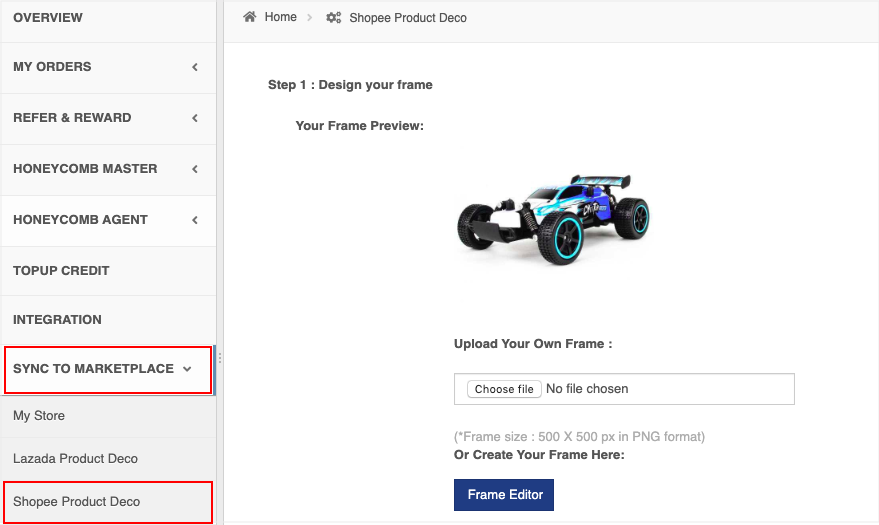
Step 1 (b). You can upload your own frame. The frame size is 500 X 500 px in PNG format).
If you are clueless on how to create a photo frame, just click 'Frame Editor' .
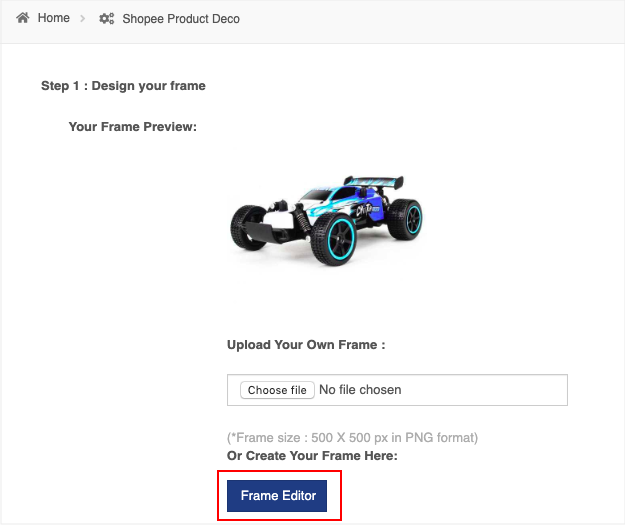
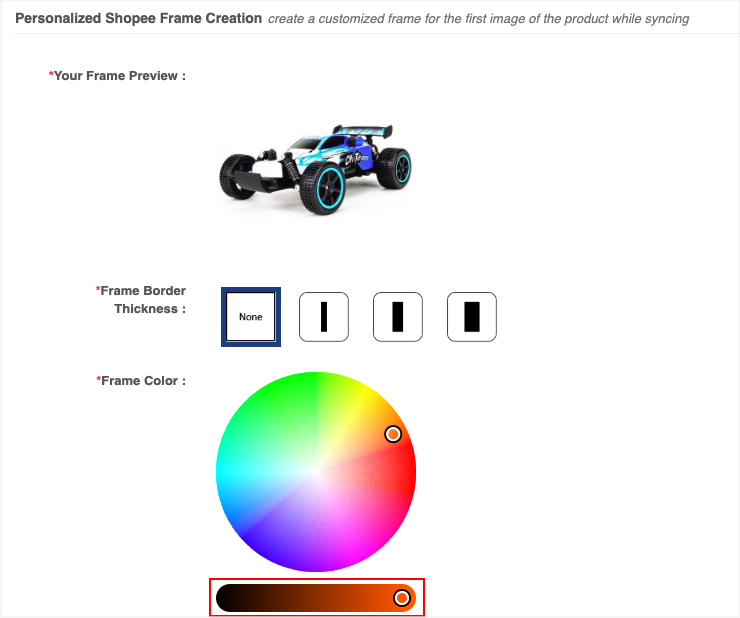
Step 1 (c). Select the Frame Border Thickness and Frame Colour that you prefer.
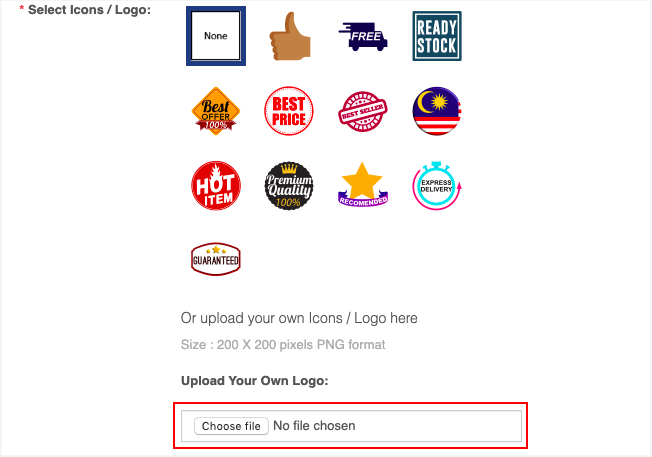
Step 1 (d). Select icons that you refer or upload your own icon. The size must be 200 X 200 px in PNG format.
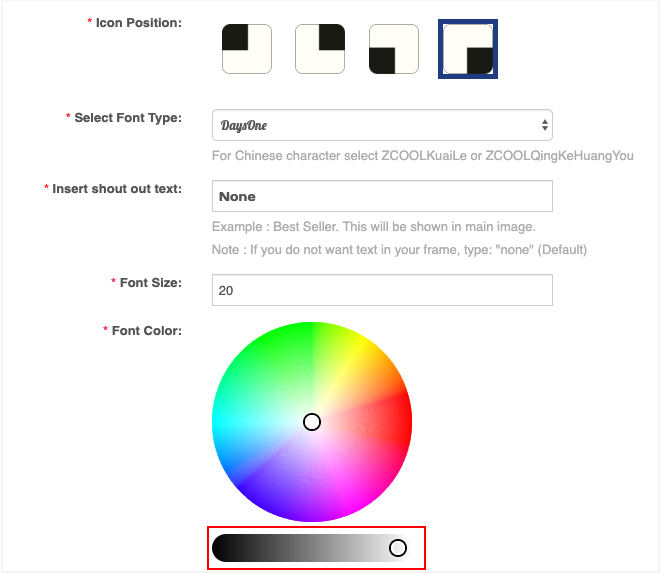
Step 1 (e). Select the Icon Position, Font Type, Shout Out Text, Font Size and Font Colour.
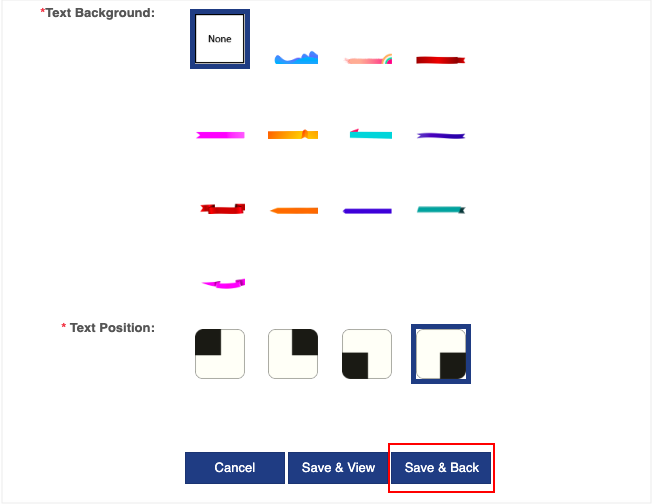
Step 1 (f). Select Text Background and Text Position. After that, click 'Save & Back'.
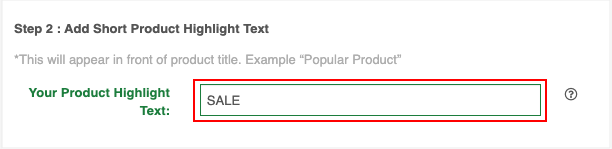
Step 2. Insert your product highlight text . For example : Hot Deal, Best Buy, Popular Product.
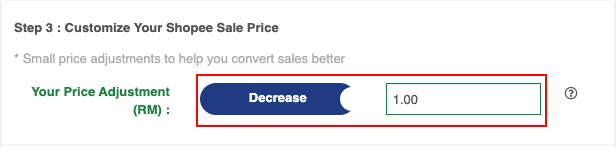
Step 3: You can customize your Lazada sale price.
Slide the 'Increase' or 'Decrease' button to adjust the product price.
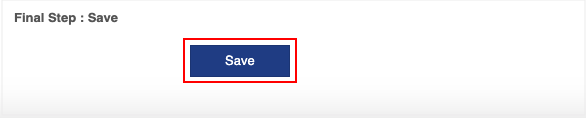
Step 4: Click 'Save'.
Below is a comparison of the same product that was sync with and without product decoration. Which one will attract your attention more?
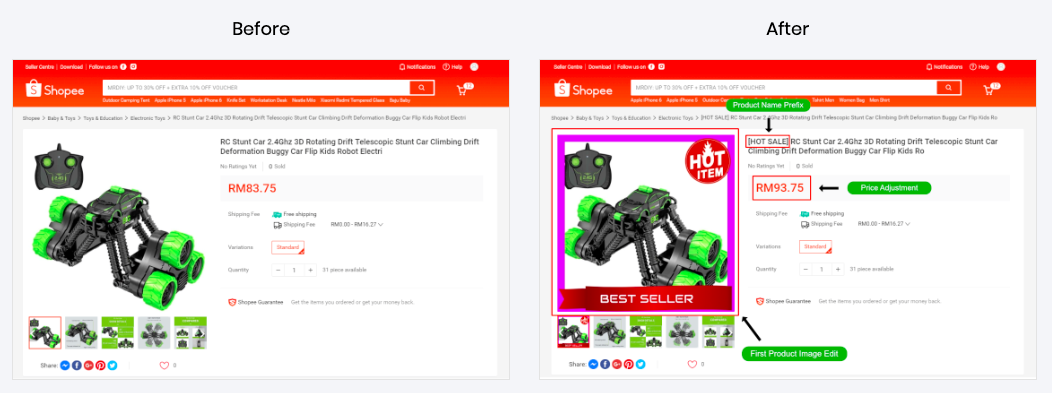
Customize and decorate your Shopee product display and stand out from others now!