
Lazada SOFP - Submit Proof Of Delivery
What is SOFP?
Seller Own Fleet Portal (SOFP) is a portal created for sellers to update the status of the item by uploading the proof of delivery (POD) after it is successfully delivered.
What is POD?
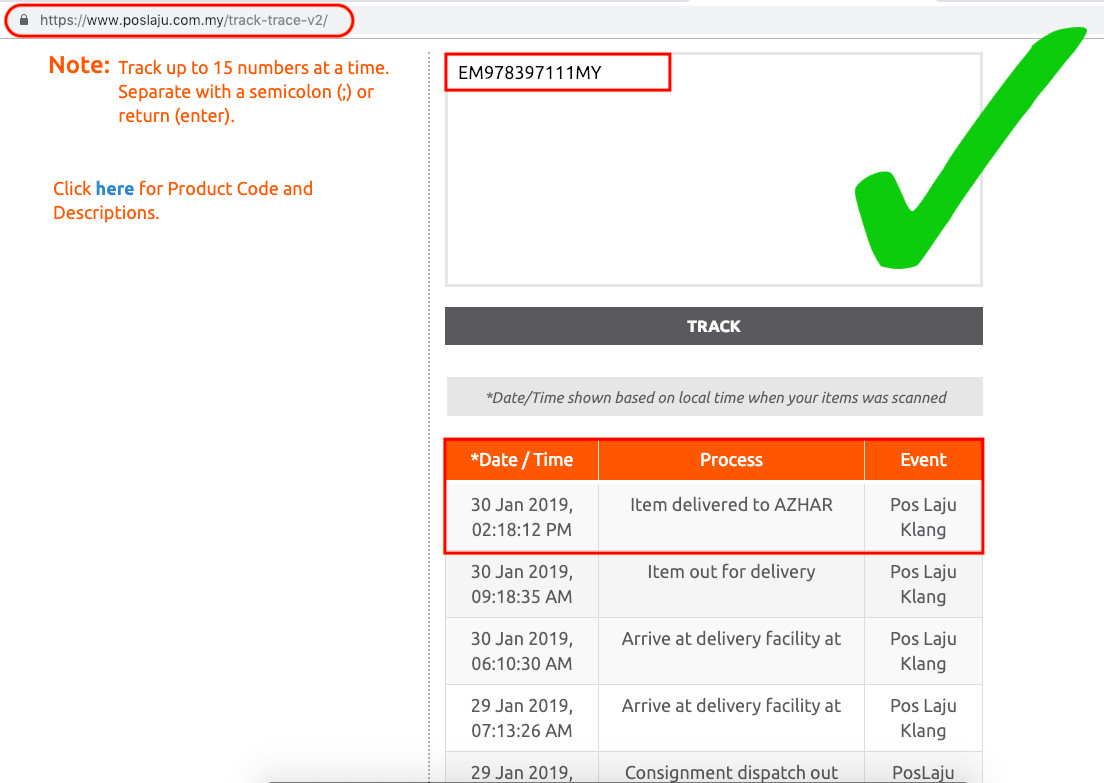
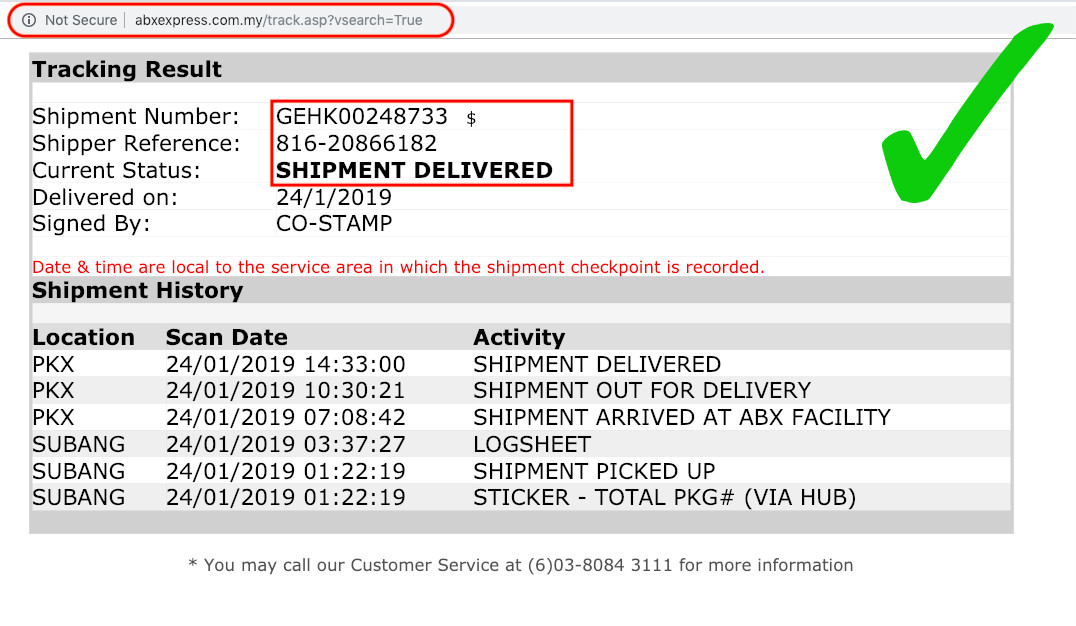
Proof of Delivery (POD) is a screenshot of the shipment status which shown DELIVERED. You (Lazada sellers) need to upload POD at SOFP. Apart from that, Lazada Order Status will also be switched from "Shipped" to "Completed".
When do I need to upload POD?
Upload POD once it showed the 'DELIVERED' status in tracking result. Remember to upload POD within SLA 14 days once an order is placed in Lazada,
Guidelines of how to upload POD
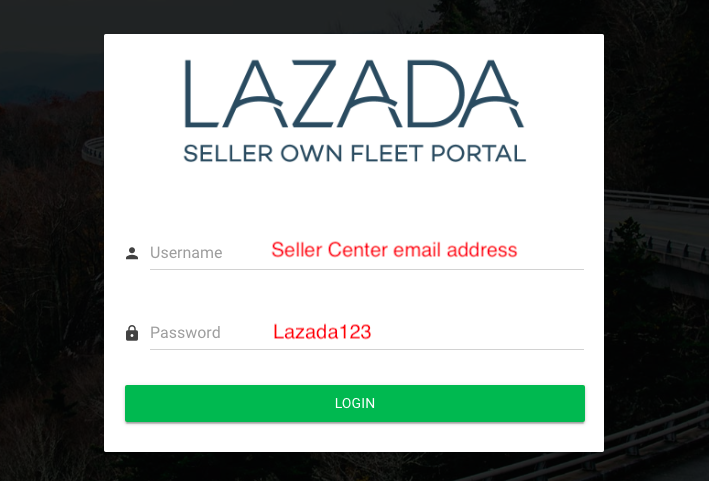
Step 1 : Login to Seller Own Fleet Portal with email and default password shown in the image below. (Click HERE to login)
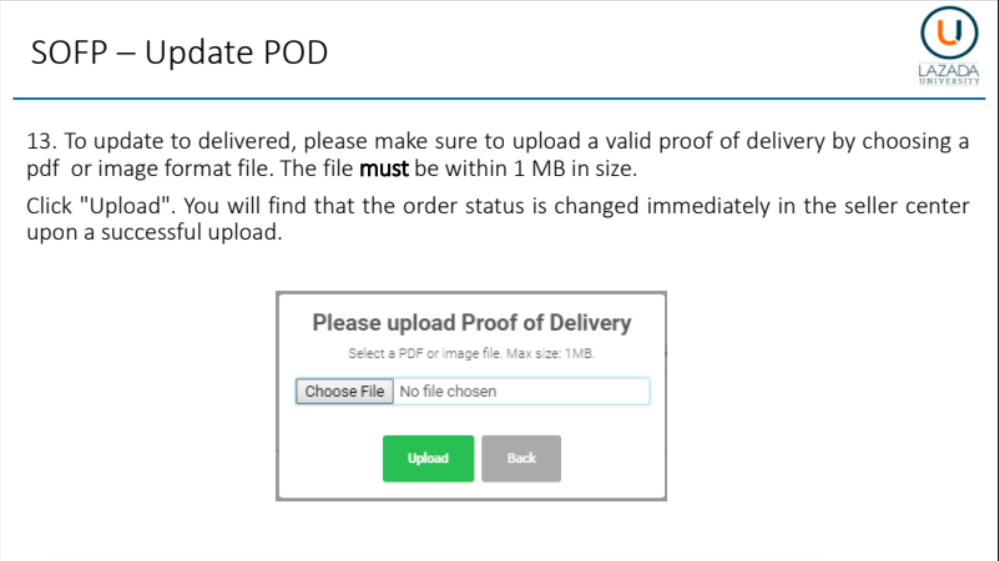
Step 2 : Click ' Choose File' and 'Upload' button to upload POD.
Example of Proof Of Delivery (POD)
Track URL : AvailableTracking Number : Valid
Delivery Status : Delivered
**MUST DO! This is how you get paid from Lazada. You are one step closer to receive Lazada Payment!
Submit POD now >>